Media Publication Documentation
- latest update: 03/13/2025
1. Getting Started
Accessing the CMS
Drupal 10 uses Single Sign-On (SSO) for authentication, enabling a seamless and secure login experience. This means you can log in using your organization’s credentials without needing a separate Drupal-specific password.
2. Content Management
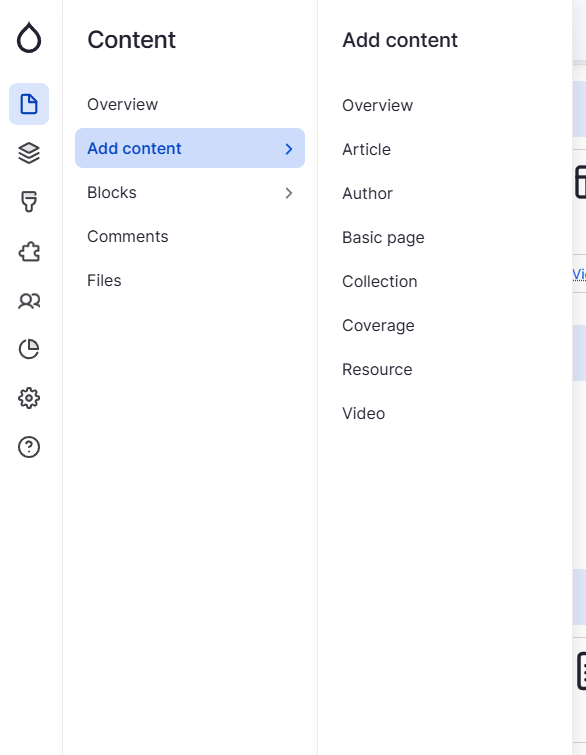
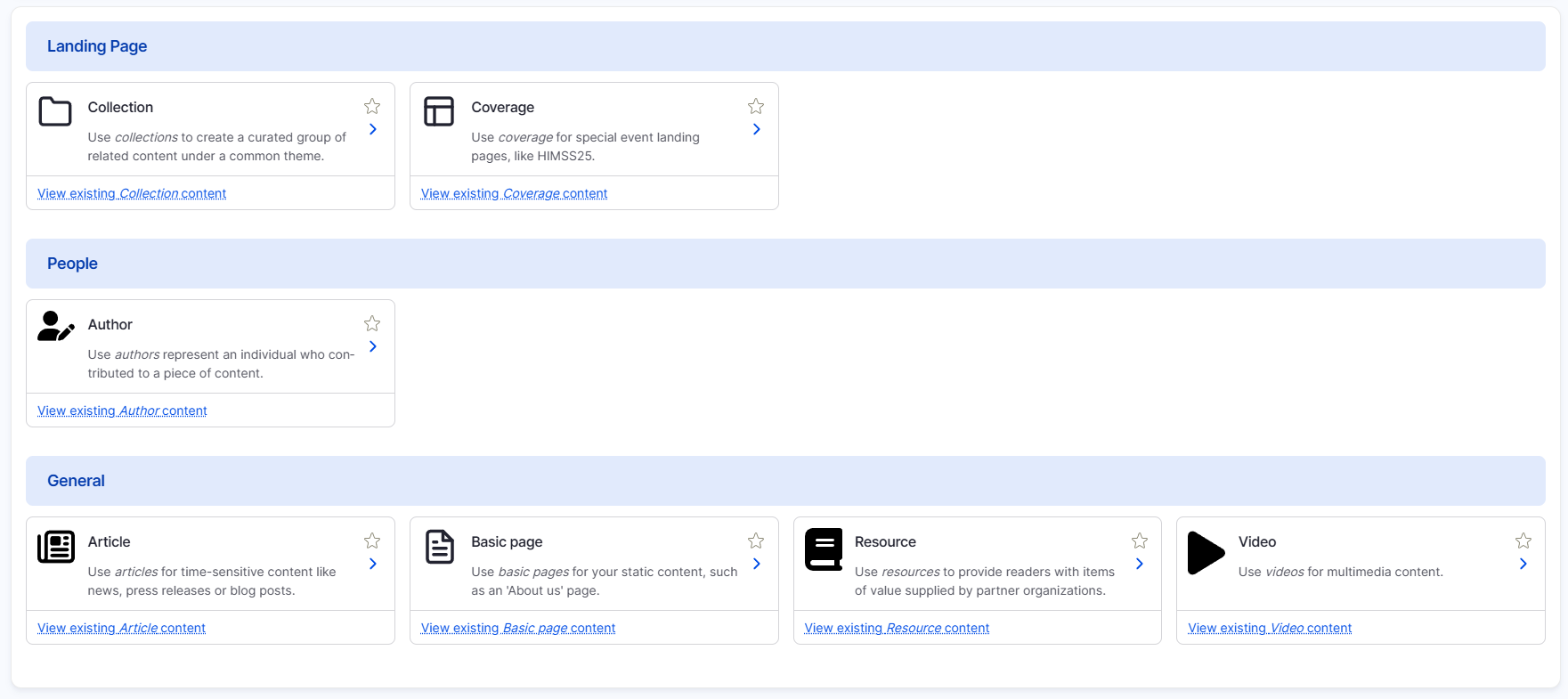
When creating new content, you can pick from the available content types. To do this, visit [your-media-site]/node/add or navigate through the CMS menu. Content types to choose from include:
- Article
- Author
- Basic Page
- Collection
- Coverage
- Resource
- Video
3. Taxonomy & Tagging
Taxonomy in Drupal 10 helps organize and categorize content, making it easier to find and relate information across the site. Editors can use taxonomies to tag content with relevant terms, improving searchability and user navigation.
Enterprise Taxonomy Management
Currently, the Enterprise Taxonomy is managed externally and automatically synced into each media site. This structured approach ensures consistency across all platforms. In the new sites, this process will be extended to cover all taxonomy vocabularies, maintaining a unified categorization system.
Key Taxonomy Groups
- Content – Categorizes content types for better filtering.
- Event – Tags content related to events.
- Industry Leaders – Associates content with key figures in the industry.
- Language – Defines content language for multilingual support.
- Products – Links content to relevant products.
- Region – Tags content by geographical relevance.
- Tag & Topic – General classification for broad categorization.
- Resource Central, Sponsors, Tags, and Topics – Additional categories for enhanced discoverability.
New Editor Capabilities
Editor administrators will now have the ability to add new taxonomy terms without developer assistance, allowing for greater flexibility in content categorization. This empowers teams to keep the taxonomy up to date without waiting for system updates or developer intervention.
4. Media Library
Uploading and managing images, PDFs, and videos
Best practices for file naming and metadata
6. Components & Layouts
Using Layout Builder
Selecting components
7. User Roles & Permissions
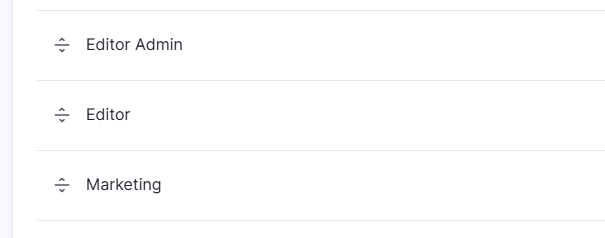
Current Roles:
- Editor Admin - Higher level content editor with more configuration permissions.
- Editor - Content editors.
- Marketing - Can view unpublished content with no editing permissions.
8. Workflow & Publishing
Drafts vs. published content
Scheduling content for future publication
9. Revisions & Version Control
What is a Revision?
A revision is a saved version of a content item (articles, basic pages, collections, etc.) at a specific point in time. Every time you edit and save content, Drupal can store a new revision, allowing you to go back to earlier versions if needed.
10. Forms & Webforms
Forms allow you to collect information from website visitors, whether for newsletter sign-ups, event registrations, or contact requests. On the media sites, forms are created using Webforms, a flexiable tool that makes it easy to build and manage forms without coding.
Most forms will integrated with Marketo to send data directly into the marketing automation tool.